Obtaining and Managing Certificates
If you are a data owner participating in a training experiment, or in an evaluation experiment with protected models, you need to obtain a certificate and submit it to the MedPerf server.
Obtaining a certificate
In the web interface, navigate to the settings page. Scroll to the certificate settings section at the bottom.
Step1: Initiating the certificate request
Click the button to get a certificate. This provides you with a URL (in blue) and a code.
Step2: Open the URL and type the code
Copy the code, then click the URL, and the paste the code in the form. Then, you will be asked to confirm.
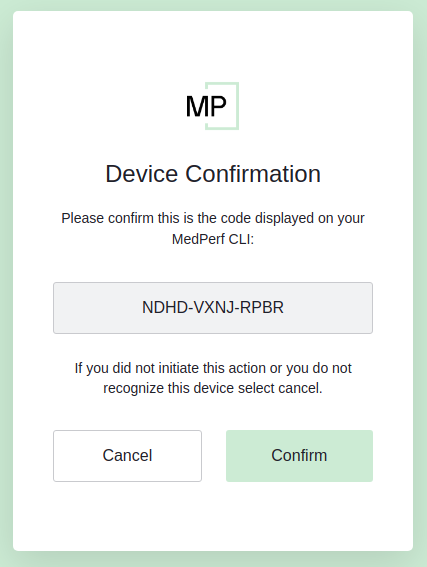
Step3: After confirmation, you will be asked to enter your email address. Enter your email address and press "Continue". You will see the following screen
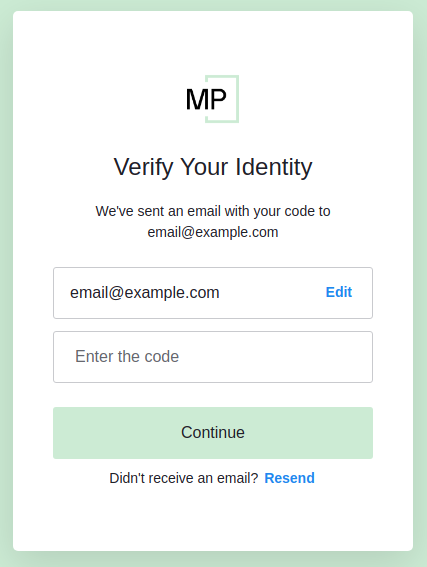
Step4: Check your inbox
You should receive an email similar to the following:
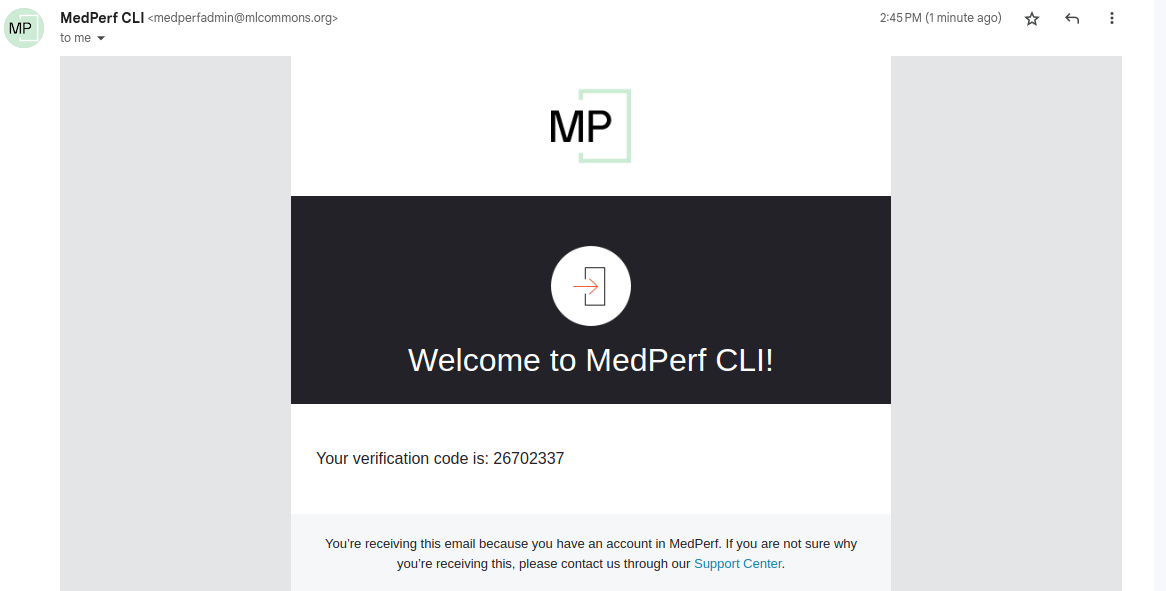
Enter the received code in the previous screen.
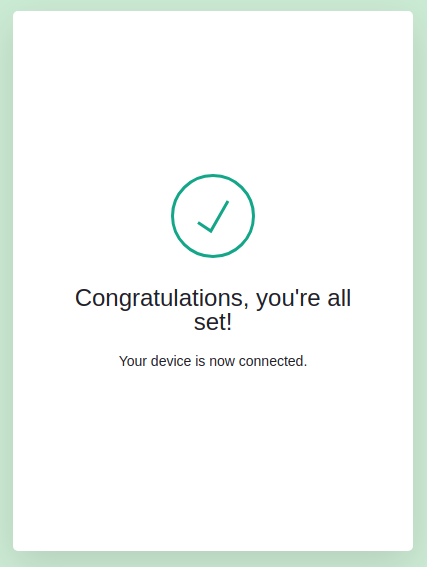
Step5: Success
You will see a screen similar to the following:
Submitting your certificate to the MedPerf server
Navigate to the certificate settings section, and you will see now a new button to submit your certificate. Click the button and confirm.